Your agent finds the receipt
An assistant or automation tool finds receipts, invoices, warranty PDFs or product photos.
Connect Vault to AI agents and automation tools so receipts, warranties and product documents can be added from almost anywhere.
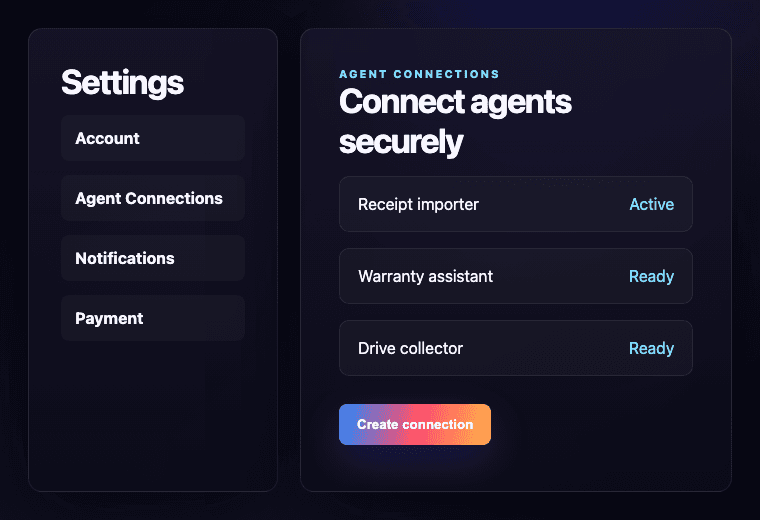
The flow is built around practical proof-of-purchase work: find, upload, parse, store and track.
An assistant or automation tool finds receipts, invoices, warranty PDFs or product photos.
Using a secure connection, the assistant can upload files or product details into Vault.
Vault reads the receipt, stores the document and helps track warranty dates.
Agent MCP is designed for the practical places where proof of purchase gets scattered.
You choose when to connect an agent and what it can do.
Agent access uses dedicated tokens, not your account password.
Tokens can be revoked from settings when access should stop.
Vault records recent agent actions so usage stays visible.
It is a secure way for an AI assistant or automation tool to send receipts, warranty documents and product information into Vault.
Not in this first version. The AI agent or automation tool connects to those services, then sends the useful receipt or warranty information into Vault.
Agent MCP is designed around permission-based access, so agents should only be able to do what the user allows.
Yes. Agent MCP can be revoked from Vault settings once you no longer want an agent to have access.
Need help?
Send a quick message and we will reply by email.